Why High Refresh Rates Dictate the Future of Workspaces
For years, HDMI 2.0 has been the industry standard, capping display outputs at a 4K resolution with a 60Hz refresh rate. While sufficient for basic static clarity, 60Hz feels increasingly sluggish compared to the 90Hz to 120Hz displays standard in modern smartphones and tablets.
The introduction of HDMI 2.1 changes this paradigm by utilizing Fixed Rate Link (FRL) technology. FRL exponentially increases bandwidth, paving the way for 4K at 120Hz/144Hz or even 8K at 60Hz. Transitioning to high-refresh-rate monitors drastically reduces motion blur, ensures fluid cursor tracking, and significantly minimizes visual fatigue during prolonged data analysis or design workflows.
The Evolution of macOS Display Architecture
Historically, Apple silicon systems successfully drove high-refresh-rate panels via DisplayPort Alt Mode. However, USB-C to HDMI conversions were strictly bottlenecked to HDMI 2.0 specifications (4K 60Hz). While some legacy adapters attempted to spoof DisplayPort signals to force 4K 120Hz, these workarounds were notoriously unstable.
The landscape shifts entirely with the latest macOS updates (macOS 26 and newer). Apple has now integrated native support for USB-C to HDMI 2.1 FRL. This enables compatible Apple silicon hardware to deliver high-resolution, high-refresh-rate signals reliably, provided the external adapters and docks possess the correct bridging chipsets and firmware.
Hardware Compatibility and Deployment Scenarios
To leverage these new capabilities, understanding the hardware matrix is critical:
Silicon Requirements: Native FRL output is supported on Apple M3, M4, and M5 series processors. The maximum external display count remains dictated by the specific tier of the Mac's GPU (Base, Pro, or Max).
Multi-Monitor Environments: Pro and Max tier systems can now drive multiple HDMI 2.1 FRL displays simultaneously through Thunderbolt ports or compatible high-bandwidth docks.
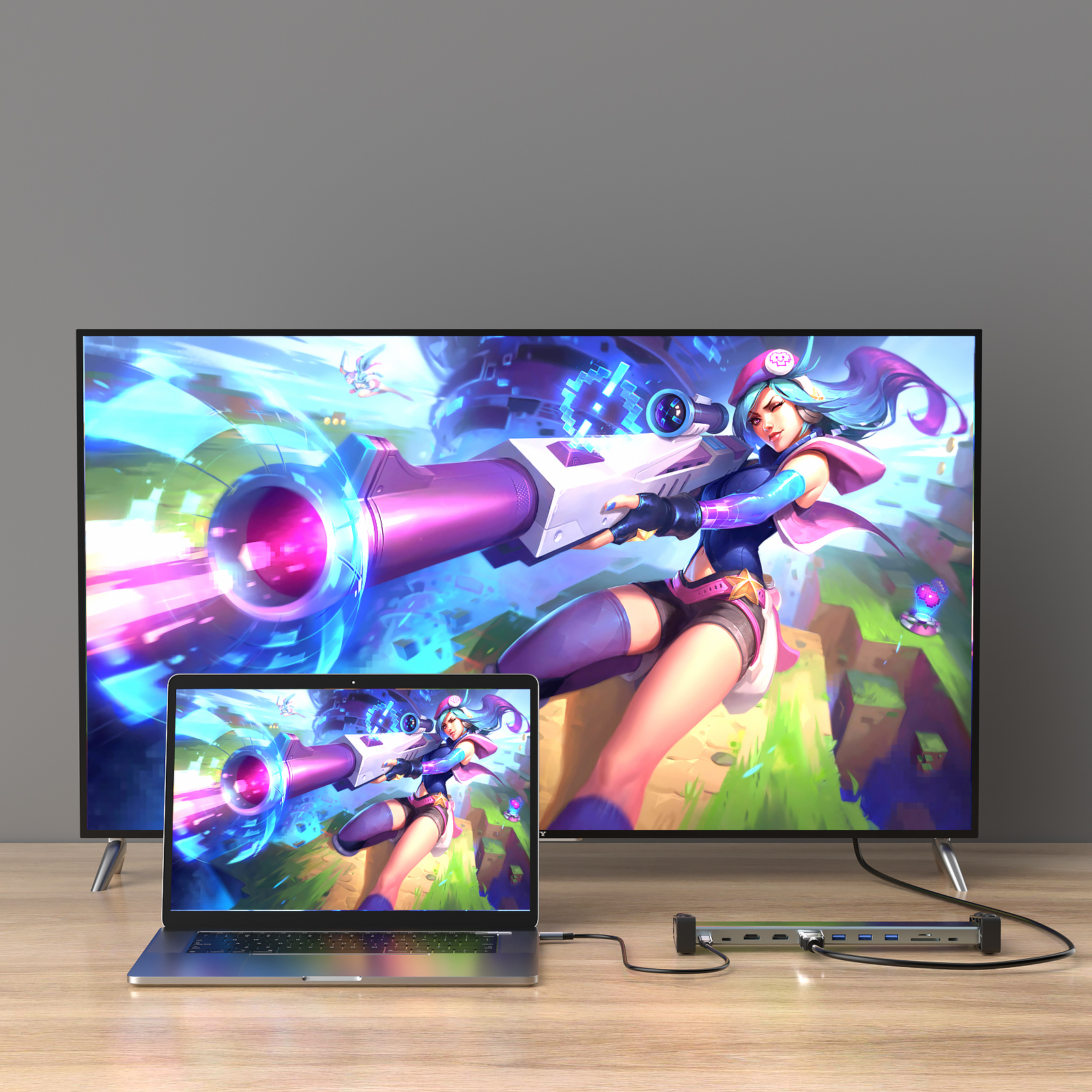
Clamshell Mode Dynamics: For base-tier chips (like the MacBook Air or 13-inch MacBook Pro with M3), users can drive up to two external displays with the laptop lid closed. This requires external power, a keyboard, and a mouse to be connected prior to initiating Clamshell mode.
Essential Checklist for 4K 120Hz Output
To successfully activate HDMI 2.1 FRL on a Mac, the entire hardware chain must be compliant:
1. An Apple M3+ Mac running macOS 26 or later.
2. A hardware-compliant USB-C to HDMI 2.1 adapter or docking station.
3. An Ultra High Speed certified HDMI cable (rated for 48 Gbps).
4. A target monitor equipped with native HDMI 2.1 FRL ports.
5. Manual configuration in the macOS System Settings > Displays menu to select the higher refresh rate.
Next-Generation Solutions from PURPLELEC
As an industry-leading OEM/ODM manufacturer, PURPLELEC designs hardware ready for this high-bandwidth future. Our premium USB-C to HDMI 2.1 adapters and upcoming docking stations are engineered with robust FRL bridges.
For existing enterprise deployments, achieving 4K 120Hz on Mac often simply requires a firmware flash. PURPLELEC provides dedicated firmware update utilities (compatible with both Windows and macOS) to upgrade our adapters, ensuring they seamlessly interface with macOS 26+ without requiring a hardware overhaul.
Technical Considerations for IT Deployments
For IT managers planning a fleet upgrade, keep these technical nuances in mind:
Signal Integrity: Always source certified 48Gbps cables. Inferior cabling causes FRL link degradation, forcing the system to fall back to TMDS mode (HDMI 2.0 speeds).
Cross-Platform Parity: A single PURPLELEC HDMI 2.1 dock can now provide 4K 120Hz equally to capable Windows PCs and updated Apple silicon Macs, simplifying hardware provisioning in mixed-OS offices.
DisplayLink Differentiation: It is important to distinguish between native GPU paths (FRL) and DisplayLink technology. DisplayLink-driven ports on universal docks remain capped at 4K 60Hz by design—ideal for standard office tasks, but not meant for FRL-level graphical output.









