In an era dominated by Thunderbolt 4 and USB-C, the standard USB 3.0 docking station (utilizing the USB Type-A interface) remains a critical piece of hardware for IT infrastructure. Not every workstation is equipped with the latest protocols, and many le-gacy laptops lack the native ability to output video signals.
Unlike simple passive hubs, a professional-grade USB 3.0 docking station functions as an external graphics solution. It bypasses the limitations of the host computer’s video ports, allowing devices with standard USB-A ports to drive multiple monitors, Gigabit Ethernet, and audio peripherals simultaneously. This article explores the technical architecture and deployment logic of these devices.
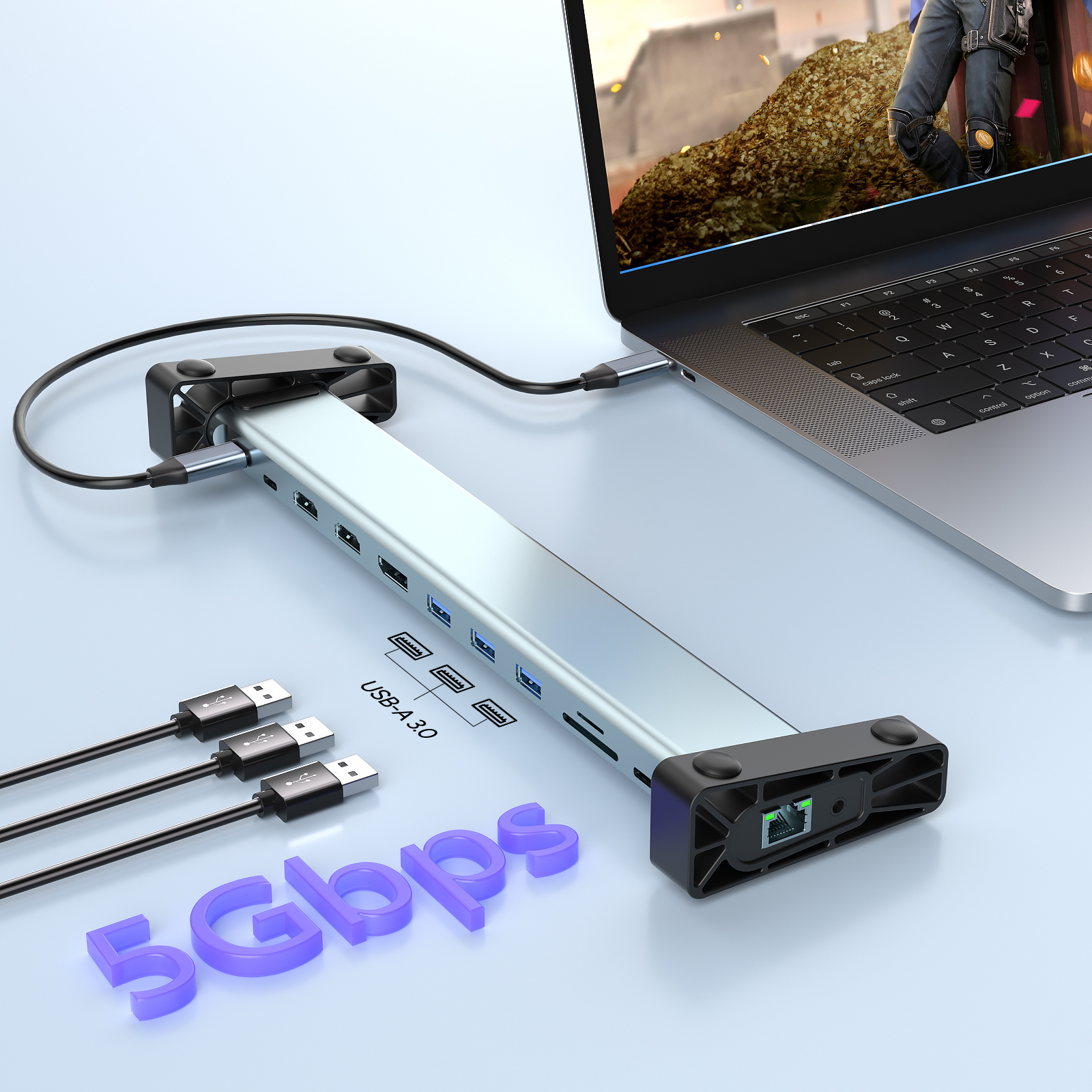
The Core Technology: How USB 3.0 Transmits Video
A common misconception is that USB 3.0 ports carry video signals natively. They do not. Standard USB 3.0 (now technically USB 3.2 Gen 1) is a data-only protocol with a maximum bandwidth of 5Gbps.
To achieve video output, a USB 3.0 docking station typically employs DisplayLink technology (or similar silicon-based compression).
- The Mechanism: The CPU compresses video data and sends it as standard USB data packets over the 5Gbps channel.
- The Decoding: The chipset inside the docking station receives these packets, decodes them, and converts them into HDMI or DisplayPort signals.
This "Virtual Graphics Card" architecture allows a USB 3.0 docking station to add display capabilities to almost any computer, regardless of whether the laptop's GPU natively supports multi-monitor output.
Bandwidth Analysis: 5Gbps vs. The Real World
When deploying a USB 3.0 docking station, understanding bandwidth constraints is essential for managing expectations.
- Data Throughput: The 5Gbps ceiling is shared among all connected devices. If you are transferring large files to an external SSD while running dual monitors, the bandwidth is split.
- Video Resolution Limits: Due to compression ratios, most USB 3.0 docks comfortably support dual 1080p (FHD) monitors at 60Hz. While some premium models advertise 4K support, they often operate at 30Hz or require significant CPU resources to compress the 4K stream.
For general office tasks—spreadsheets, coding, and web browsing—the latency is negligible. However, for 3D rendering or high-frame-rate gaming, the 5Gbps pipeline of a USB 3.0 docking station is insufficient compared to the 40Gbps of Thunderbolt.
Universal Compatibility: The Enterprise Advantage
The primary value proposition of a USB 3.0 docking station lies in its universality. In a "hot-desking" office environment containing a mix of new MacBooks, older Windows laptops with USB-A ports, and Surface devices, USB-C docks often face compatibility issues due to varying Alt-Mode protocols.
A USB 3.0 dock (often accompanied by a USB-A to USB-C adapter) standardizes the connection. Since the video transmission is driver-based rather than hardware-dependent, it provides a consistent dual-monitor experience across disparate operating systems and hardware generations.
Plug and Play: The Driver-Free Advantage
Unlike traditional docking stations that burden users with mandatory software installations (such as DisplayLink or Silicon Motion drivers), this modern USB 3.0 docking station features a driver-free architecture.
- Zero-Configuration: Simply connect the dock to your laptop, and the operating system automatically recognizes the video, Ethernet, and data capabilities. There is no need to download third-party software or perform manual updates.
- Enhanced Stability: By eliminating the reliance on external software drivers, the device minimizes the risk of system conflicts and "blue screen" errors often caused by OS updates. This makes it an ideal choice for enterprise environments requiring rapid, maintenance-free deployment.
Conclusion
While it may not boast the raw speed of Thunderbolt, the USB 3.0 docking station remains the most compatible and versatile solution for expanding non-USB-C laptops. By leveraging data-based video compression, it transforms a standard USB port into a comprehensive workstation interface. For users prioritizing multi-monitor support on le-gacy hardware or ensuring universal compatibility in mixed environments, this hardware remains the industry standard.










