Idle internal storage components represent a significant waste of hardware resources. Whether upgrading a legacy workstation or expanding capacity for high-resolution video editing workflows, converting an ssd to external enclosure is the optimal solution for establishing a high-efficiency data bridge. The bridge controller protocol, physical interface, and thermal management design directly dictate the peak bandwidth and long-term load stability of the external data exchange. This guide evaluates the technical boundaries of various external storage conversion solutions from a strict hardware perspective.
Hardware Protocol and Physical Interface Mapping
The physical dimensions and communication protocols of the storage medium are prerequisites for peripheral selection. Mismatching not only halves performance but can result in physical hardware damage.
Form Factor Standards of the M.2 SSD Enclosure
An m.2 ssd enclosure primarily addresses the adaptation of bare drives across different lengths: 2230, 2242, 2260, and 2280. "M.2" denotes only the physical interface; its internal routing operates on either the SATA protocol (B&M Key) or NVMe protocol (M Key). When evaluating these products, verify if the bridge chip supports dual-protocol recognition (e.g., the RTL9210B controller). Otherwise, a single-protocol enclosure paired with an incompatible drive will fail to mount in the operating system.
Bandwidth Breakthroughs of the NVMe SSD Enclosure
The introduction of PCIe lanes revolutionized storage speeds. An nvme ssd enclosure utilizes a USB bridge controller to translate PCIe signals into USB signals. The mainstream 10Gbps interface has a theoretical ceiling of 1250MB/s; after protocol overhead, the actual maximum speed peaks at approximately 1000MB/s. For users demanding real-time 4K ProRes video editing directly from external storage, bridge solutions supporting USB 3.2 Gen 2x2 (20Gbps) or USB4/Thunderbolt (40Gbps) specifications are mandatory.
Cross-Medium Storage: The SSD and HDD Enclosure Architecture
In enterprise data backup centers or IT maintenance scenarios, frequently reading legacy SATA hard drives alongside modern SSDs is a standard requirement. An ssd and hdd enclosure typically utilizes a universal 2.5/3.5-inch slot design compatible with the SATA 3.0 interface. The core bottleneck of this architecture is power delivery. A 3.5-inch HDD requires a 12V current to spin up, whereas standard USB interfaces provide only 5V. Therefore, cross-medium enclosures must be equipped with an independent 12V DC power adapter. Although maximum transfer rates are locked at SATA III's 6Gbps (approx. 550MB/s), its cost-per-TB advantage for full cold data backups remains irreplaceable by NVMe alternatives.
Core Technical Metrics and Purchasing Pitfalls
1. Bridge Controller: Avoid early revisions of the JMS583 (prone to thermal-induced disconnections). Prioritize the ASMedia ASM2362 or Realtek RTL9210 series, which offer superior power consumption control and robust UASP (USB Attached SCSI Protocol) hardware instruction set support.
2. Thermal Management: NVMe SSD temperatures can surge past 80°C during full-load write operations. Once thermal throttling is triggered, transfer speeds plummet to USB 2.0 levels. An all-aluminum alloy chassis paired with high thermal conductivity (>3W/m·K) silicone pads is the baseline requirement to maintain a flat, sustained read/write curve.
3. Cable Impedance: The impedance of the standard data cable impacts signal integrity. Passive cables longer than 0.5 meters significantly increase bit error rates when transmitting at bandwidths above 10Gbps.
Protocol Parameter Comparison Matrix
|
Enclosure Type
|
Supported Protocol
|
Interface Key
|
Theoretical Bandwidth Peak
|
Practical Speed Max (Approx.)
|
Primary Application
|
|
M.2 SATA
|
SATA III
|
B&M Key
|
6 Gbps
|
500 MB/s
|
Legacy PC expansion, cold document backup
|
|
M.2 NVMe
|
PCIe 3.0/4.0
|
M Key
|
10-40 Gbps
|
1000 - 3000 MB/s
|
Video editing, external OS boot
|
|
2.5/3.5"
|
SATA III
|
SATA
|
6 Gbps
|
200 MB/s (HDD)
|
High-capacity cold data array backup
|
Q: Why is my actual copy speed only 40 MB/s on an enclosure rated for 10Gbps?
A: Troubleshoot the link bottlenecks. First, ensure the host port is not USB 2.0. Second, once the SSD's SLC cache is exhausted, the native TLC/QLC NAND write speed will severely drop. Finally, check if the controller has triggered thermal throttling to prevent overheating.
Q: How should MacBook users select external enclosures?
A: Apple M-series silicon exhibits hardware limitations supporting the USB 3.2 Gen 2x2 (20Gbps) protocol, often defaulting down to 10Gbps. Mac users requiring maximum throughput must bypass 20Gbps options and upgrade directly to Thunderbolt 3/4 or USB4 enclosures.
Enterprise OEM/ODM Hardware Solutions
Standard consumer-grade products frequently fail to meet the rigorous demands of specialized industries. With 18 years of experience in international trade and B2B partnerships, our core focus lies in developing global distribution networks and managing OEM and ODM hardware projects. Whether executing bulk procurement of customized enterprise SSD enclosures or co-developing competitive connectivity products for the market, we provide full-lifecycle technical support from controller selection to hot-swap stress testing.
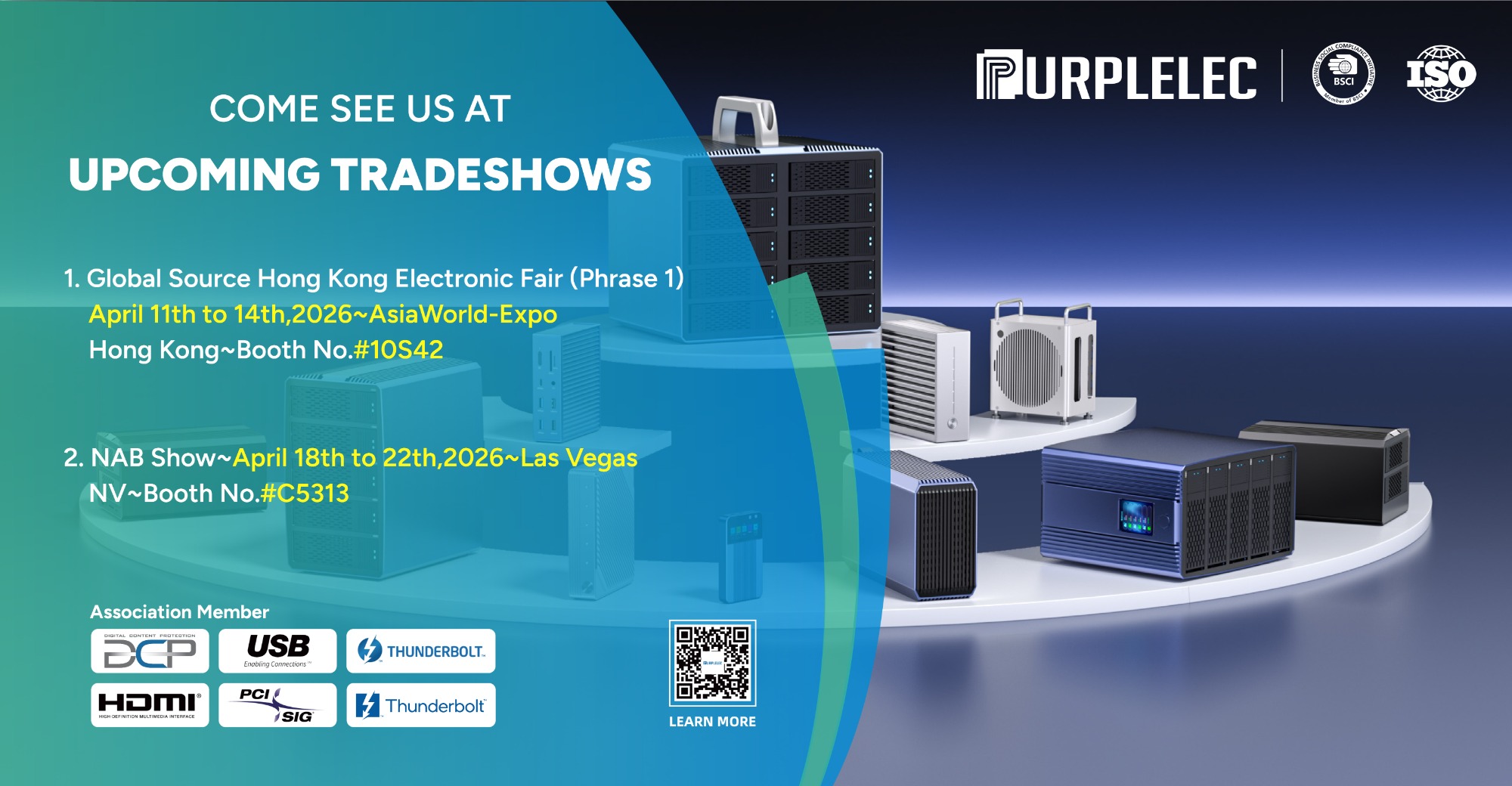
To evaluate more high-performance external storage and data bridging solutions, visit the Purplelec official website. We invite you to test our latest hardware platforms live at the Global Sources Consumer Electronics Show in Hong Kong from April 11-14, 2026 (Booth 10S42), or at the NAB Show in Las Vegas from April 18-22, 2026 (Booth C5313).